
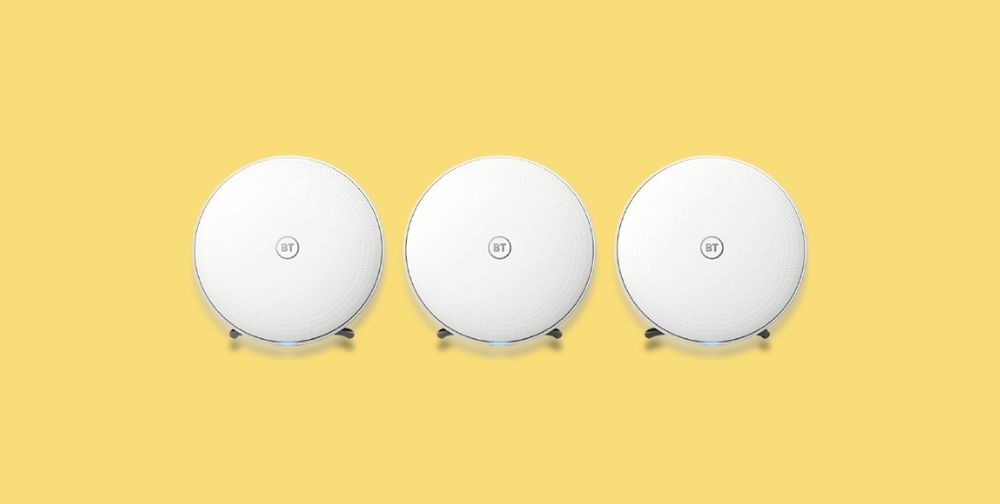
BT Whole Home Discs Review

You are currently viewing BT Whole Home Discs Review
  • Reading time:8 mins read
  • Post last modified:22/01/2022
  • Post comments:2 Comments
  • Post category:Reviews
  • Post author:

In this review, I sum up using BT Whole Home Discs to strengthen my smart home Wi-Fi coverage.

I bought BT Whole Home Discs to solve two problems. The first being Wi-Fi dead spots in some areas of my home and the second of wanting a separate Wi-Fi network for my 50+ connected smart home devices.

BT claim the Whole Home Discs showcase intelligent Wi-Fi technology automatically connecting you to the fast and strong signal as you move from room to room (Wi-Fi roaming and band steering). BT recommends 3 Discs for flats & homes up to 3-4 bedrooms and 4 Discs for larger homes with 5+ bedrooms.

An important point is that you do not need a BT broadband contract for the Discs to work.

Initial Impressions

Unboxing

The 3 BT Whole Home Discs arrived quickly from Amazon. The branded box & inner packaging provided ample protection. 3x Mains power adapters and 1x Ethernet cable is included.

Design

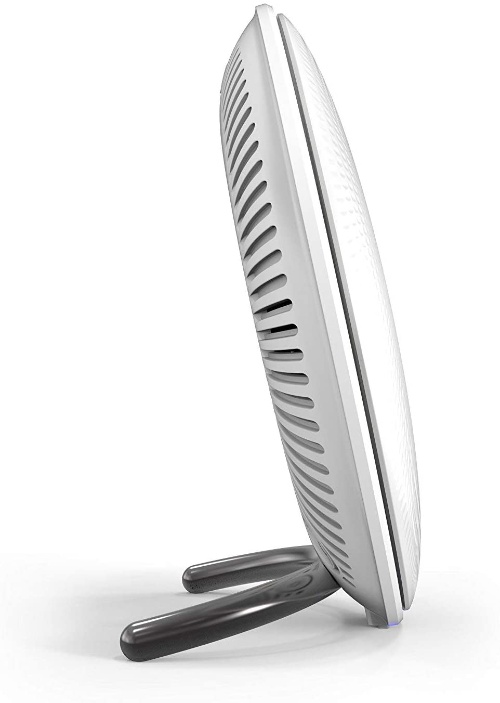
For a Mesh Wi-Fi invention, the BT Whole Home Disc is a nice-looking product. It has a premium vibe with metal legs for positioning. The white circular texture means it will blend into most places around your home.
BT Whole Home Discs Review

Dimensions

The length & width of the Whole Home Discs are both 16.5cm, height is 7.7cm and each weighs approx. 415g.

Key Features

LED Status

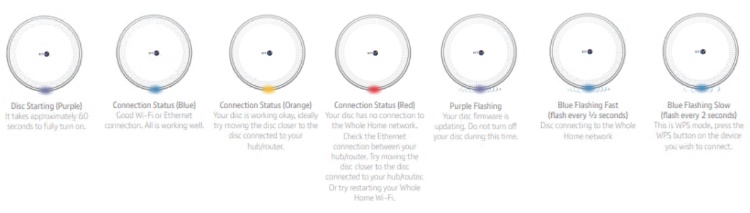
At the front, a handy LED will help you to determine the status of the Whole Home Disc. The LED colours range from purple (during setup or an update), orange (connected – poor signal), red (connected – no signal) and blue (connected – good signal).
BT Whole Home Discs Review

Ethernet Port

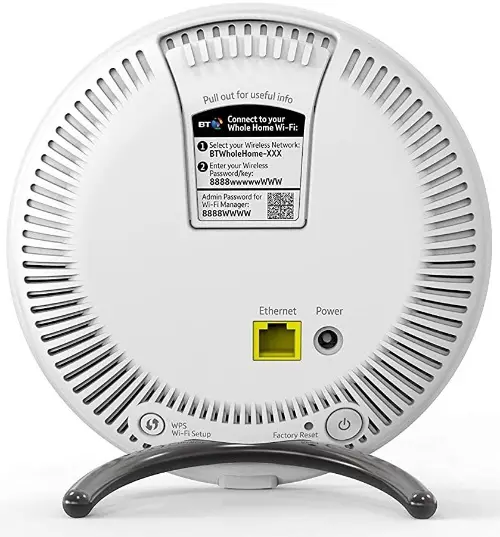
One of your three Discs will need to connect to your Wi-Fi router using the Ethernet cable included. However, for your other two Discs, you can connect an Ethernet switch to your spare ports and then enjoy wired connections to your devices far away from your Wi-Fi router.
BT Whole Home Discs Review

I do this from my second Disc in my office upstairs. My Wi-Fi router and first Disc are located downstairs. It works great!